

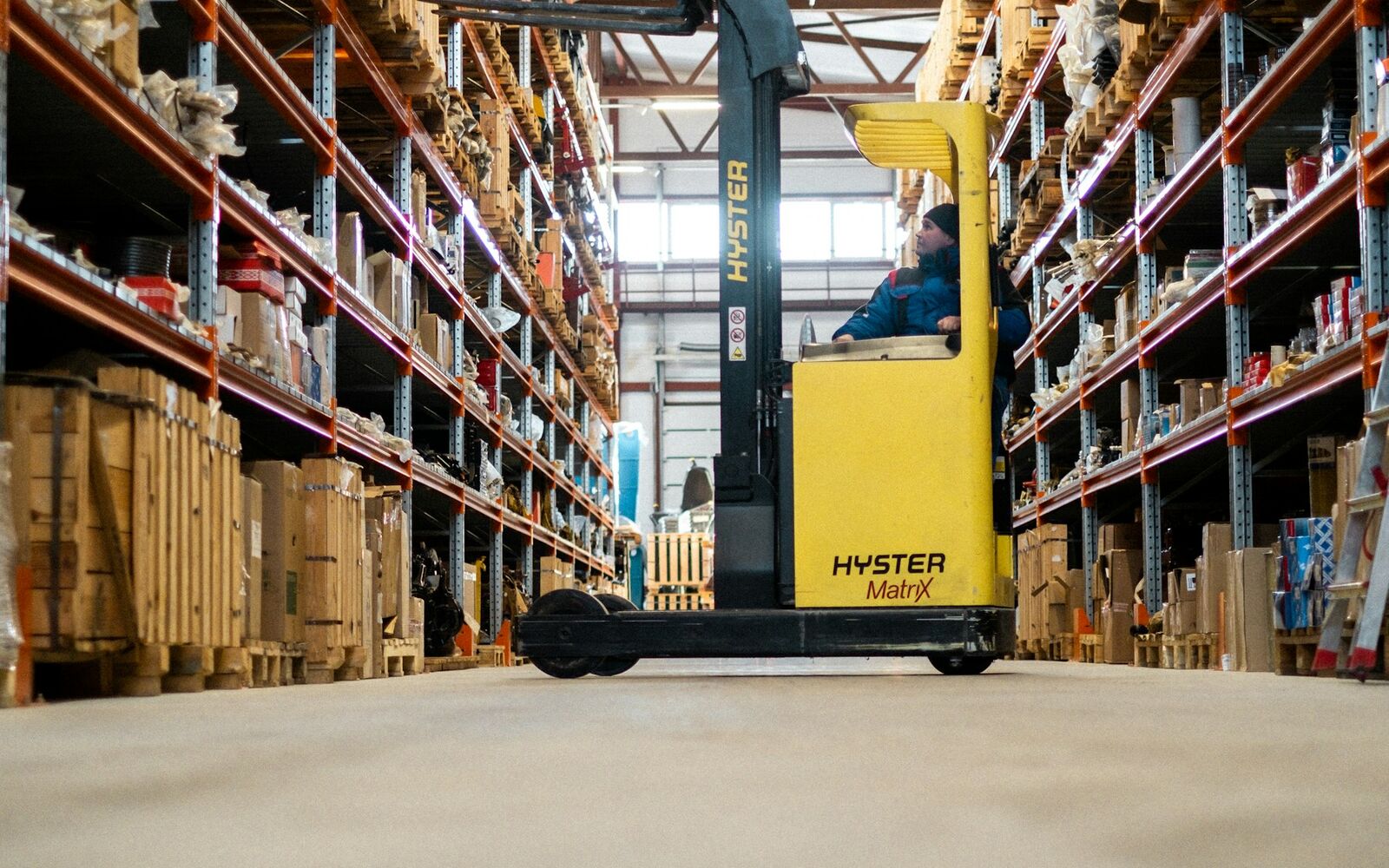
When a warehouse holds thousands of products across hundreds of rack locations and processes dozens of orders every day, managing it on paper or in spreadsheets eventually becomes impossible. A pallet put in the wrong bay, a carton miscounted or an expiry date noticed too late turns straight into unhappy customers and extra cost. A warehouse management system (WMS) is the software layer that brings this complexity under control. It records, directs and reports every step from goods receipt and put-away to picking and dispatch. This article explains what a warehouse management system WMS is, which modules it consists of, what it delivers for a business and what to look for when choosing one. Özd Global runs its Gebze warehousing and distribution centre on a WMS, giving customers real-time visibility of their stock.

What Is a Warehouse Management System?
A WMS is software that manages all physical movements and stock information inside a warehouse digitally. The underlying logic is simple: every product, rack location and pallet is identified with a barcode or RFID tag, and every movement is recorded with a handheld scanner. As a result, you know at any moment which product is in which bay, from which batch and in what quantity.
A WMS is different from an ERP system, which manages accounting and sales. ERP answers "how much stock do we have"; WMS answers "where exactly is that stock and how do we move it most efficiently". The two systems usually work in integration.
Core Modules and Functions
A warehouse management system WMS is made up of modules that follow the flow of warehouse operations:
Goods Receipt
Inbound deliveries are matched to purchase orders or delivery notes, and products are scanned into the system. Quantity discrepancies and damage are recorded immediately.
Put-Away
The system suggests the most suitable location based on product attributes (velocity, weight, temperature, batch). Fast movers go near the dispatch area; heavy items go to lower racks.
Inventory Management
Batch, serial number and expiry date tracking, FIFO and FEFO rules, cycle counting and stock adjustments are handled here.
Order Picking
Pick lists are generated with route optimisation. Single, batch and wave picking are supported, and the operator follows the shortest path to complete the order.
Packing and Dispatch
Picked orders are verified, packed, labelled for the carrier and loaded. Shipment data is passed to customer and carrier systems.
Reporting
Occupancy, pick rate, error rate, stock ageing and similar indicators are presented on dashboards.
What a WMS Delivers for the Business
| Area | Before WMS | After WMS |
|---|---|---|
| Stock accuracy | Frequent count discrepancies, lost items | High accuracy, real-time visibility |
| Order errors | Wrong items, missing cartons | Barcode verification cuts errors |
| Picking time | Depends on operator experience | Shorter through route optimisation |
| Space utilisation | Empty and scattered locations | System-directed slotting |
| Expiry tracking | Manual checks, write-off risk | Automatic FEFO prioritisation |
| Customer reporting | Daily or weekly spreadsheets | Real-time portal access |
These gains are felt most strongly by businesses managing many SKUs, preparing e-commerce orders or holding products with expiry dates.

Types of WMS and Deployment Models
- Standalone WMS: Focused purely on warehouse management and integrated with ERP. Common in mid-sized and large warehouses.
- WMS as an ERP module: The warehouse module of an existing ERP; easy to integrate, sometimes limited in functionality.
- Cloud-based WMS: No server investment, used on subscription; fast to deploy and scalable.
- Logistics provider's WMS: Businesses using outsourced warehousing access the provider's WMS through a customer portal without investing in their own software.
For companies that outsource their warehousing, the fourth model is the most practical. Within the Özd Global warehousing and distribution service, your stock is tracked on our WMS, your orders flow through the system and reports are available to you in real time.
Tip: When choosing a WMS, ask "which system fits our product and order structure" rather than "which system has the most features". An advanced FEFO module adds cost for a business that does not need batch tracking, while a system without marketplace integration is of little use to an e-commerce-heavy operation.
What to Look for When Choosing a WMS
- Integration: It must exchange data with ERP, e-commerce platforms, marketplaces and carriers.
- Barcode and handheld support: Compatible with the devices used on the floor.
- Scalability: Performance must hold as order counts and SKU numbers grow.
- Batch and date tracking: Mandatory for food, pharmaceutical and chemical sectors.
- Reporting and portal: Clear dashboards for management and customers.
- Deployment time and training: The transition must be planned without stopping operations.
- Total cost of ownership: Licences, hardware, integration and maintenance assessed together.
Linking the WMS to Transport
The value of a WMS multiplies when it is connected to the shipping side. Dispatch data from the system feeds directly into road freight planning and, for export loads, into the customs clearance declaration. The same information is never keyed in twice, so errors and delays fall. To learn more about Özd Global's WMS-based warehousing, reach us via our contact page or call +90 551 462 41 34.
Frequently Asked Questions
Does a small business need a warehouse management system WMS? Businesses with fewer than a few hundred SKUs and a handful of daily orders can manage with simple stock software. Once order volumes climb, error rates rise and count discrepancies multiply, a WMS investment pays for itself quickly. If you outsource warehousing, the provider's WMS covers this need.
How long does WMS implementation take? Cloud-based deployments with standard processes can be live in a few weeks; complex integrations and multi-site setups can take several months. Data preparation (product master data, location addresses, barcodes) is the biggest factor in the timeline.
Does a WMS replace an ERP? No. The WMS manages in-warehouse operations while the ERP manages finance, purchasing and sales. When the two are integrated, stock information stays consistent on both sides.
Making your warehouse operation visible, measurable and error-free starts with the right system. At our Gebze centre, Özd Global manages your stock in real time on a warehouse management system WMS and prepares your orders without errors; share your warehousing needs with us and let us plan the right solution together.